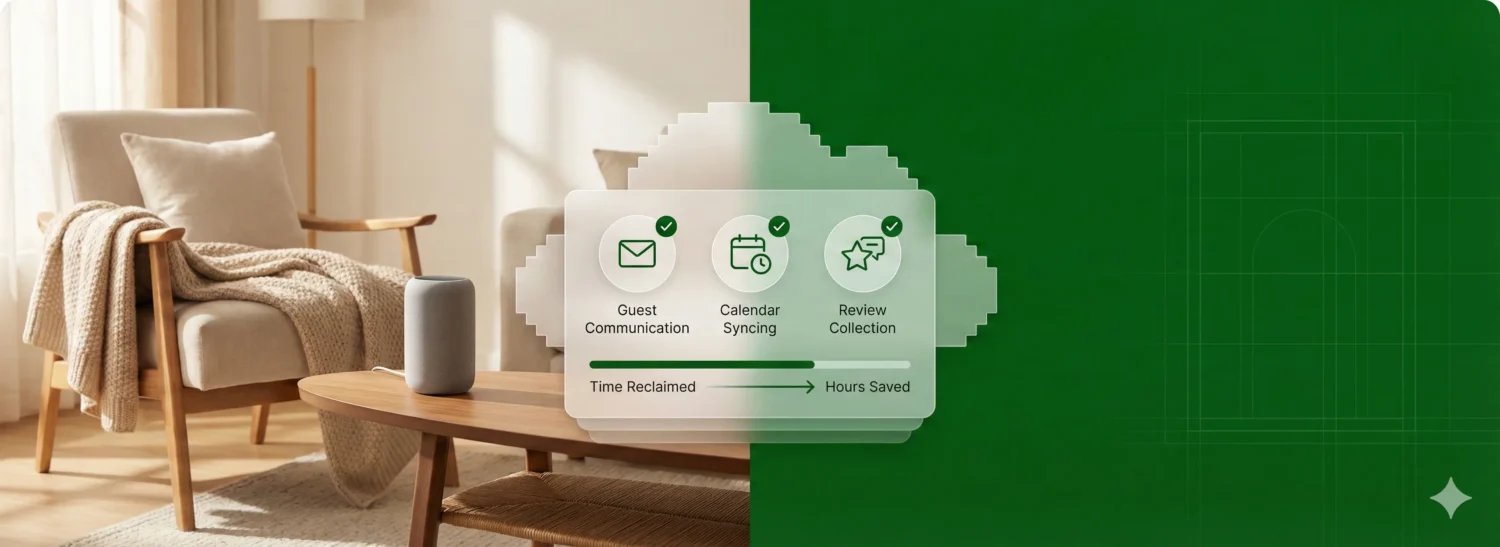
TL;DR: The hosts pulling consistent 5-star reviews aren’t working harder. They’re automating the repetitive work. Focus your automation efforts on three areas: guest communication, calendar syncing, and review collection. Start with the core guest journey in Guesty Lite, and you’ll reclaim hours while delivering a more consistent experience than you ever could manually.
Smart automation doesn’t remove the human touch. It ensures the human touch lands exactly at the right moment, every single time, without having to check your calendar or type a word. A perfectly timed check-in message feels personal. A rushed, typo-riddled one sent three hours late will tank your review scores.
The aim is shift from reactive hosting (constantly putting out fires) to proactive management (fires don’t start because the system prevents them).
The automation ROI at a glance
| Task | Manual time (weekly) | With automation | What you get back |
| Guest inquiries | 4–6 hours | Instant responses | Higher booking conversion |
| Check-in info | 2–3 hours | Scheduled delivery | Zero “where are the keys?” calls |
| Calendar sync | Constant checking | Real-time API sync | 0% double-booking risk |
| Post-stay follow-up | 1–2 hours | Automated review requests | More 5-star ratings |
7 vacation rental automation examples to set up now
1. The fast inquiry response
A guest sends a question about your property. Every hour you take to reply, your conversion odds drop. Hosts who respond within an hour are significantly more likely to land the booking.
Set an automated reply to fire immediately when an inquiry comes in. Acknowledge their interest, answer the most common questions upfront (parking, check-in time, pet policy), and let them know you’ll follow up with anything specific. The guest feels seen. Occupancy goes up. You buy yourself time to craft a thoughtful personal reply without losing momentum.
Pro tip: ReplyAI can suggest tone-appropriate responses and auto-translations, so your follow-up feels personal even when you’re working from a template.
2. The instant booking confirmation
A guest books your property. What happens next determines whether they feel confident or start second-guessing. Guests expect quick, proactive communication from hosts, and that expectation starts the moment they click “Book.”
Set an automated message to fire within seconds of a confirmed booking. Thank them, confirm the dates, and tell them exactly when they’ll receive check-in details. This one message cuts “Did my booking go through?” inquiries by half and sets the professional tone for everything that follows.
Pro tip: Slip in a question or two: “Traveling for a special occasion?” or “Arriving with little ones?” Use their answers to personalize the rest of their stay and earn even more 5-star reviews.
3. The day-before check-in guide
Your guest lands tomorrow. They need the door code, Wi-Fi password, parking instructions, and that trick for the finicky thermostat.
Schedule this message to arrive 24 hours before check-in, not three days early (they’ll forget), not two hours before (they’re already stressed). The day-before window hits when guests are actively planning their arrival but still have time to ask questions.
Pro tip: Guesty users can build digital guidebooks in the Guest App with entry instructions, Wi-Fi details, house rules, and your favorite local spots. Send the link in your day-before message. Guests get everything in one place, no more repetitive questions.
4. The morning-after check-in
Set an automation for 10:00 AM the day after arrival: “Everything going smoothly? Let me know if anything needs attention.”
This single message catches small issues before they fester into one-star grievances. Most guests won’t complain proactively, but they’ll absolutely respond when asked directly.
5. Payment-triggered messaging
Chasing money is a terrible use of your time, and it poisons guest relationships before they even begin.
Set up automated payment schedules (deposit at booking, balance due 7 days before arrival) and let the system handle collection. Then layer in conditional messaging: check-in details only send once payment clears; a friendly reminder fires automatically if the balance is still outstanding. You get paid on time. Guests get nudged without feeling hounded. And you never send another “just following up on payment” email.
6. The golden-hour review request
Timing matters more than wording. Trigger a review request within 24 hours of checkout, while the clean sheets, smooth check-in, and that perfect morning coffee are still fresh.
Wait three days, and you’re competing with their next trip, their work inbox, and the general entropy of life. Hit that window while impressions are vivid, and you’re capturing peak satisfaction.
7. Gap-night filling
You’ve got a two-night hole between bookings, but your minimum stay is three nights. Without intervention, that gap sits empty. Dead inventory that earns nothing.
Set a gap-night rule to automatically drop your minimum-stay requirement when the calendar gap is shorter than your usual threshold. A three-night minimum becomes a two-night minimum, but only for that specific window. You can also trigger a price adjustment to make those orphan nights more attractive to last-minute bookers.
The alternative is manually scanning your calendar every week and adjusting settings by hand. The automation catches every gap the moment it forms.
Getting started with Guesty Lite
You don’t need enterprise software to automate like a pro. Guesty Lite gives hosts with 1–4 properties access to the same core automation engine that powers portfolios of hundreds of units.
Set up your first automated workflow in minutes with pre-built templates: booking confirmations, check-in guides, review requests. Add personalization tags (custom fields) that pull in guest names, property details, and local recommendations automatically. Every message feels custom without any manual effort.
As you add properties, Guesty Pro unlocks team features like auto-assigned cleaning tasks and multi-user access. But for most hosts starting out, Lite covers the automation that actually moves the needle.
FAQ
Not if you do it right. Personalization tags insert the guest’s name, your property name, and specific details automatically. The guest reads “Hi Sarah, welcome to Oceanview Cottage,”, not “Dear Guest, welcome to your rental.” ReplyAI takes this further by suggesting tone-appropriate replies and auto-translations, so responses feel human even when you didn’t write them from scratch.
No. Guesty Lite is built for hosts, not developers. Most automations activate in a few clicks using pre-built templates. If you can send an email, you can build a workflow.
Absolutely. Pause any automated flow and take over manually in the Unified Inbox. You stay in control, automation handles the routine so you can focus on the exceptions.

Guesty’s talented marketing team is comprised of passionate professionals who share insightful industry knowledge and shape brand narratives. By bringing a diverse blend of expertise to the table, we are the visionary architects behind the Guesty brand and innovative campaigns that help people understand our product.