
TL;DR:
To screen Airbnb guests, focus on complete profiles, positive reviews, verified ID, and clear pre-booking messaging. Use Airbnb’s tools to spot red flags like poor communication or attempts to book off-platform, and combine your house rules and Instant Book settings to filter for guests who fit your property.
The idea of welcoming complete strangers into your home can be nerve-wracking. While most guest stays turn out fine, the occasional horror story about property damage or house rule violations reminds hosts why Airbnb guest screening matters.
Airbnb’s built-in tools let you screen guests before accepting their reservations. Guest profiles and reviews by previous hosts create transparency so you can learn about potential guests before you give the final okay. In the same way that potential guests read reviews about properties, you should look into the people seeking to book your listing. As a host community, leaving reviews provides invaluable information for others to mitigate risks.
While profile information can’t paint the whole picture, it gives you background and helps you spot red flags. Here’s how to vet Airbnb guests and make smart decisions about your rental.
How to screen Airbnb guests (quick checklist)
- Define your must-haves and dealbreakers based on your house rules
- Check profile completeness, reviews, and verifications
- Ask clarifying questions through Airbnb messaging
- Watch for digital red flags like off-platform requests or evasive answers
- Trust your instincts if something feels off
Decide on your dealbreakers
Just as you want to predetermine the rules for your property, you want to be clear about your requirements for guests. Think about your ideal guest and what qualities help you feel comfortable opening your doors — as well as what red lines you have.
Legitimate dealbreakers include concerns around house rules, occupancy limits, and party risk. You can decline guests who want to exceed your maximum occupancy, book for events you don’t permit, or ignore rules you’ve clearly stated in your listing.
Not allowed: Declining guests based on race, color, ethnicity, national origin, religion, gender identity, sexual orientation, age, physical ability, or marital status. These are protected classes under Airbnb’s Nondiscrimination Policy.
Airbnb prides itself on being inclusive and welcoming, and they take this seriously. From their policy:
“Hosts should make every effort to be welcoming to guests of all backgrounds. Hosts who demonstrate a pattern of rejecting guests from a protected class (even while articulating legitimate reasons) undermine the strength of our community by making potential guests feel unwelcome, and Airbnb may suspend hosts who have demonstrated such a pattern from the Airbnb platform.”
If you decline a request, base your message on fit and house rules — never on personal characteristics. For example: “Unfortunately, my property isn’t set up for groups larger than six” or “I don’t accept bookings where the primary purpose is hosting an event.”
Guests are expected to contribute to the community by filling in their profile and writing reviews. If a potential guest has no reviews or minimal profile information, that’s grounds for asking questions before you commit. You can also require guests to have verified ID, which confirms your guests are who they say they are. (You’ll need to become a verified host first to require this.)
What to say to a guest with no reviews or sparse info:
“Hi [Name], thanks for your request! Before I confirm, can you tell me who you’re traveling with, the purpose of your trip, and your approximate arrival time? I like to make sure my property is a good fit for all my guests.”
This sort of proactive screening helps filter unqualified guests before you spend unnecessary time assessing them.
Signs of a high-quality guest
If a guest has no reviews yet but shows a complete profile, verified ID, and responsive messaging, that can still signal a trustworthy first-time guest. Here’s what to look for:
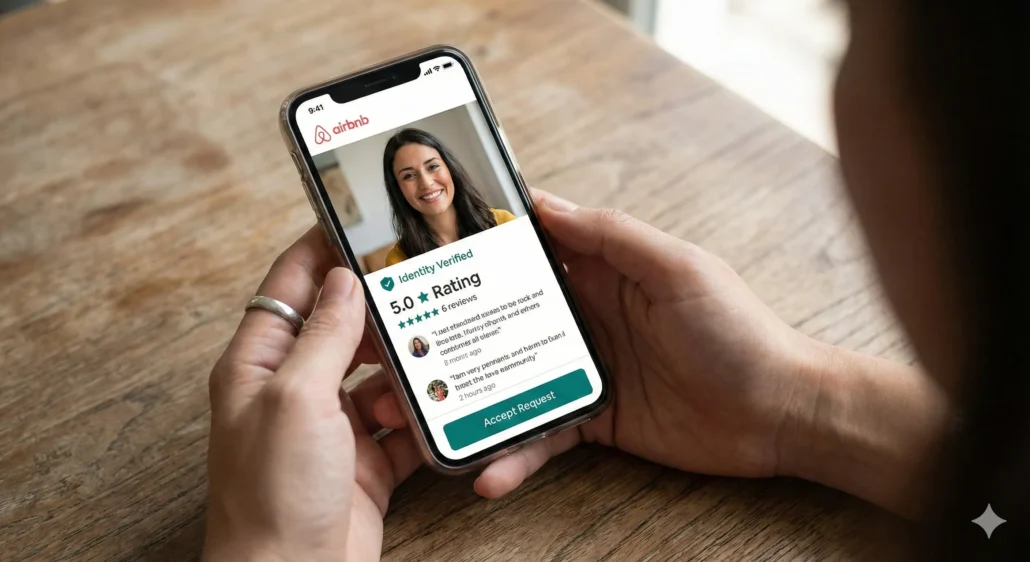
Complete profiles. Any Airbnb user who has spent time completing their profile takes the process more seriously than someone who hasn’t bothered. Guest profiles let you get a sense of the type of person you could be hosting.
- Strong profile: “Traveling with my partner for a quiet weekend. We love cooking and hiking.”
- Weak profile: “Here for a trip.”
A photo adds another layer of commitment to the community.
Positive reviews. Guest reviews are one of the best ways to assess prospects. Prioritize comments about communication, cleanliness, and following house rules over one-off complaints about tiny issues. If you see something alarming, check the host who left the review, too — some hosts tend toward nitpicky feedback.
Verifications. You can require all guests to have a verified ID and at least a confirmed phone and email before they can book. This gives you extra confirmation that your guest’s profile is authentic. Use your Instant Book settings to set these requirements automatically so you’re not evaluating unverified guests in the first place.
References. Airbnb users can compile references from colleagues, friends, and family members, similar to job applicants. Only individuals with an Airbnb profile can provide references. References are less common, but they’re another way to learn about potential guests.
Social connections. Airbnb’s social connections feature lets users link Facebook and Google accounts. This means you can screen guests for mutual friends and see reviews made within your circles — bringing you closer to trusting your potential guest’s identity.
Digital red flags
Watch for these warning signs:
Pushing off-platform. Guests who try to communicate or transact outside Airbnb could be trouble. Airbnb’s terms protect both parties — external transactions lose these protections, and guests who want to step outside the platform may have a reason. Response: Politely decline and insist on keeping all messages and payments within Airbnb.
Non-responsive messaging. If prospects fail to respond to messages or questions, they’re giving you insight into the kind of guests they’ll likely be. While there could be a good reason, responsiveness often reflects reliability. Response: Send one follow-up, then move on if they stay silent.
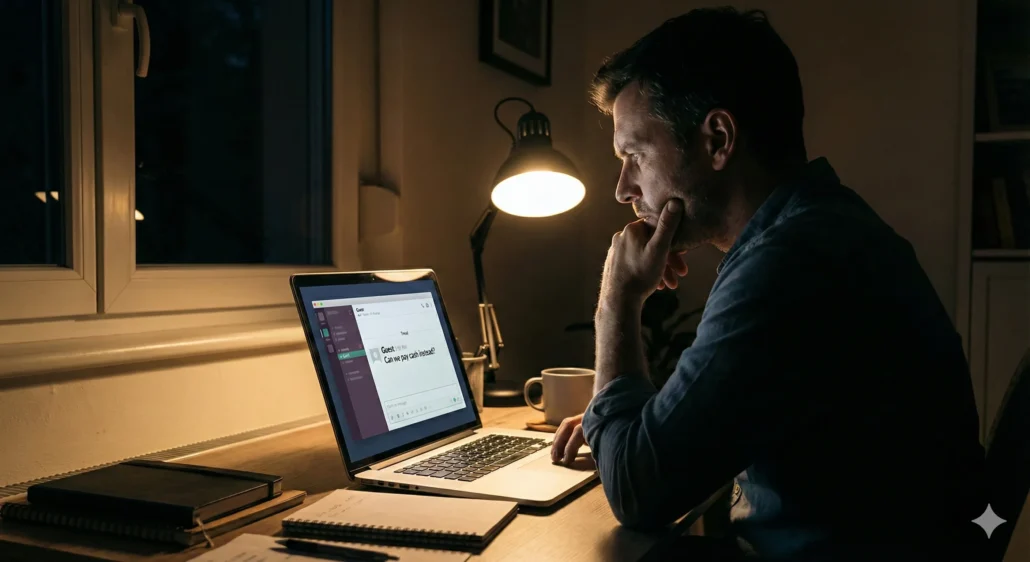
Suspicious questions. Pay attention to what your potential guest asks. Questions about surveillance cameras, neighbor proximity, visitor policies, or anything that feels dodgy deserve scrutiny. Response: If someone asks, “Can we have extra friends over just for a few hours?” or presses about camera locations, clarify your house rules firmly. If the questions continue, decline the booking.
Odd or inconsistent answers. If responses sound rehearsed, vague, or contradict earlier information, inquire further or trust your instincts. Response: Ask specific follow-up questions. If answers don’t add up, decline.
Don’t be shy to ask
If you have concerns about the details you’re seeing, or information is missing, reach out and initiate communication. You can even ask about a bad review to hear their side of the story. Most genuine guests appreciate a host who communicates clearly.
Making the final cut
The final place to screen your potential guests is within your correspondence about your property. If it seems like they’re trying to negotiate payment policies or house rules, those could be warning signs that you’re not on the same page.
Say yes when: Profile is reasonably complete, basic verifications check out, messaging is responsive and straightforward, and nothing contradicts your house rules.
Say no when: Information is incomplete or inconsistent, the guest pushes boundaries or avoids direct questions, or your gut says something’s off.
As a general rule, approach screening with common sense and listen to your instincts. Always communicate before you book — it’s a valuable opportunity to get to know the individual on the other end.
Even if you do make a bad call on a guest, Airbnb offers AirCover for Hosts, which provides protection against certain guest damage. So even in the worst-case scenario, you have a safety net. Use any negative experience to tweak your criteria and update your house rules or listing copy based on what you’ve learned. If a certain type of request consistently feels risky, set clearer expectations before guests even inquire.
Verification for direct bookings and other OTAS
When you’re managing properties across multiple channels, you need a consistent screening process that doesn’t depend on each platform’s policies. That’s where dedicated guest verification comes in.
With a tool like GuestVerify, you can screen every guest the same way, regardless of where they booked:
- ID validation confirms the guest’s ID is an authentic document — not a fake or altered file
- Identity verification authenticates guests before check-in, matching their face to the ID they provided
- Background checks run criminal and sex offender database searches so you know who’s staying in your property
- Risk scoring analyzes guest details like phone numbers, email age, address history, and IP status to flag potential issues before they become problems
The key advantage: you set one verification policy across your entire portfolio. Choose the service level that matches your risk tolerance — lighter checks for low-risk properties, more thorough screening for luxury homes or properties in areas with higher liability exposure.
For property managers scaling beyond a handful of units, consistent guest screening across all booking channels removes the guesswork and closes the gaps that platform-specific tools leave open.
FAQ
Instant Book streamlines bookings but gives you less pre-screening time. You can still set requirements (verified ID, positive reviews, etc.) that guests must meet to book instantly. Request to Book lets you review each guest before accepting, which gives you more control but may cost you bookings from guests who want to confirm quickly.
Yes, if their profile is complete, they answer your questions clearly, and they meet your house rules. Every guest has a first booking — what matters is how they communicate and whether they respect your requirements.
Yes, but there are consequences. Hosts who cancel may face penalties including fees, blocked calendar dates, or suspension from Superhost status. Only cancel when absolutely necessary, and contact Airbnb support if the guest has violated policies.
This is a red flag worth addressing directly. Remind them of your occupancy limit and house rules. If they push back or you suspect they’ll ignore the limit anyway, you may want to contact Airbnb support before check-in.